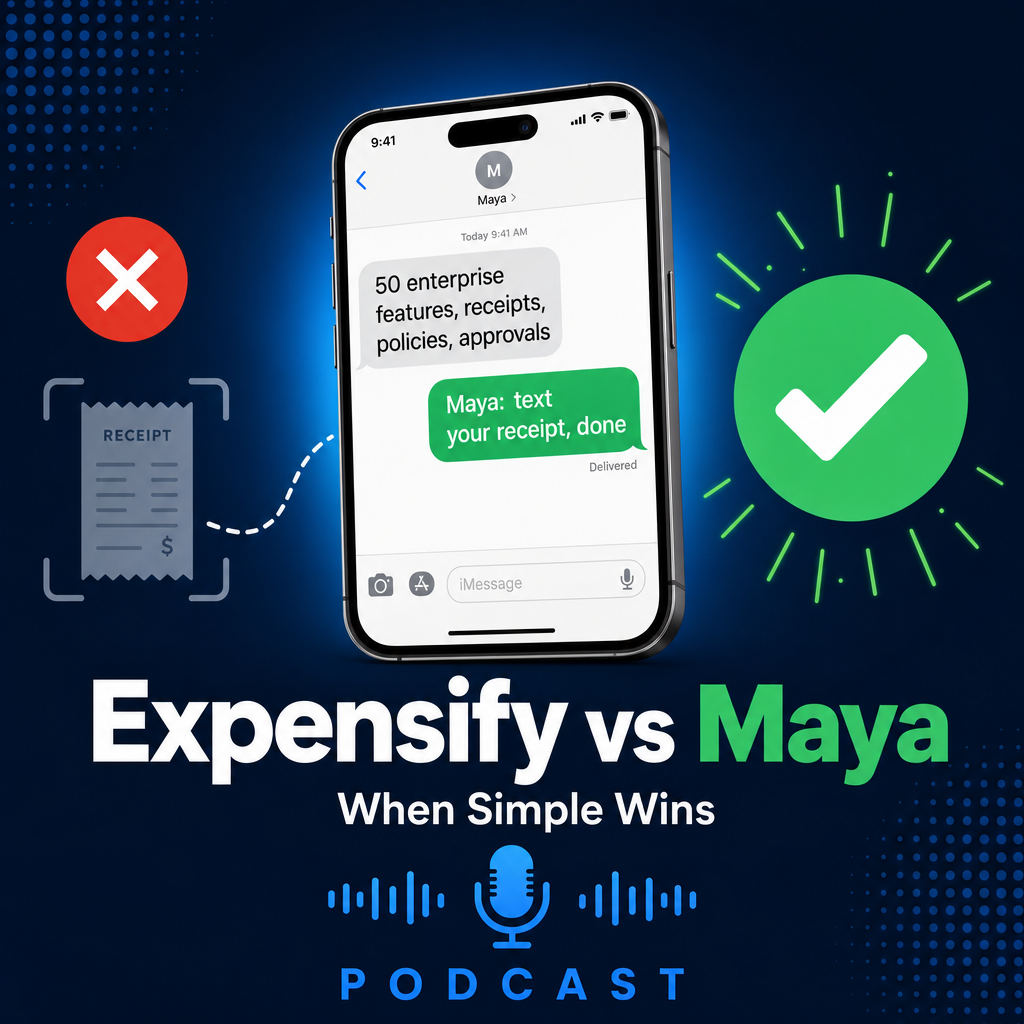
The 50-feature problem
Expensify is good software. It's also software built for a company that isn't yours.
Expensify was designed for enterprises with dedicated finance teams, compliance requirements, multi-level approval chains, corporate card programs, and someone whose full-time job is managing expense reports. If that's your company, Expensify is a reasonable choice. This page isn't for you.
This page is for the company where the owner is the finance team. Where the crew is in the field, not at a desk. Where nobody has time to learn a 50-feature app, and nobody wants to. If that's you, the question isn't which expense app has the most features. The question is whether you need an expense app at all.
What Expensify does well
Let's be fair. Expensify does things Maya doesn't do, and never will:
- Corporate card reconciliation — matches transactions to receipts automatically
- Multi-level approval workflows — route expenses through managers, finance, and controllers
- Policy enforcement — flag violations before submission
- Mileage tracking — GPS-based, with per diem and rate tables
- ERP integration — NetSuite, Sage Intacct, and full GL sync
- Audit compliance for large orgs — SOX-level reporting and controls
If you have a controller, a finance department, or 100+ employees with expense accounts, those features matter. Expensify built them for a reason.
But if you have 8 guys on a crew, a QuickBooks Online subscription, and a pile of receipts in truck consoles, those features aren't advantages. They're weight.
Feature comparison: Maya vs Expensify
| Feature | Maya | Expensify |
|---|---|---|
| Requires app download | No | Yes |
| Requires user accounts | No | Yes |
| Works via text message | Yes | No |
| Training required | None | Moderate |
| Creates QuickBooks drafts | Yes, directly | Via sync |
| AI transaction classification | Yes (4 types) | Basic |
| Handles all receipt types | Yes | Yes |
| Corporate card reconciliation | No | Yes |
| Multi-level approvals | No | Yes |
| Mileage tracking | No | Yes |
| Policy enforcement | No | Yes |
| ERP integration (NetSuite, etc.) | No | Yes |
| Pricing model | Per company | Per user |
| Team adoption rate | High | Low–Medium |
Notice the pattern. Expensify wins on corporate features. Maya wins on getting receipts into QuickBooks. If you need the first column, use Expensify. If you need the second, use Maya.
When you need 50 features vs when you need 1
Here's how to tell which side you're on.
You need Expensify if:
- You have a dedicated finance team or controller
- You manage 50+ employees with expense accounts
- You need SOX compliance, audit trails, and policy enforcement
- You use NetSuite, Sage Intacct, or another full ERP
- You have a corporate card program that needs reconciliation
- You need multi-level approval chains for expenses
You need Maya if:
- Your crew is in the field, not at a desk
- You use QuickBooks Online and just want receipts entered
- You've tried expense apps before and your team stopped using them
- You don't have a finance department — you ARE the finance department
- You want receipts in QuickBooks the day they happen, not next month
- You'd rather text a photo than learn another app
The question isn't "which app is better." It's "do I need an app at all, or do I need a text message?"
The pricing math
Expensify charges per user. Their Collect plan starts at $5 per active user per month. The Control plan runs $18 per user with the Expensify Card, or $36 per user without it. That's per person, every month, whether they submit one receipt or fifty.
Here's what that looks like for a small crew. Say you have 8 people who might buy something for a job. Not all of them will submit receipts every month. But you pay for all of them, because Expensify bills per seat, not per receipt.
- $5/user/month × 8 users
- $40/month, every month
- Pays for seats that don't submit
- Higher tiers: $144–$288/month
- Annual cost: $480 (Collect) to $3,456 (Control)
- One Maya number, one price
- Everyone on the crew uses it
- No per-user charges
- No tiers based on features
- Cancel anytime, no annual lock-in
The difference isn't just the number. It's what you're paying for. With Expensify, you're paying for features most of your team will never touch. With Maya, you're paying for the one thing that actually matters: receipts getting into QuickBooks.
Expensify charges you per seat to solve adoption. Maya removes the thing that causes adoption failure. One of those is a recurring bill. The other is a fix.
Team adoption: the real cost
Here's the part pricing pages don't mention. An expense app only works if your team uses it. And the data on expense app adoption is bleak.
Industry studies consistently show that 40–60% of employees don't submit expenses through the company's designated tool. They forget. They use personal email. They stuff receipts in a pocket. The app exists, the company pays for it, and the receipts still don't get entered.
Expensify knows this. That's why they built SmartScan, reminders, email digests, and an entire "engagement" feature set. They're fighting the same battle every expense app fights: getting people to open it.
Maya doesn't fight that battle. Texting is already open. Your crew already sends 80 texts a day. The receipt rides along on a behavior that already exists. No app to remember. No login to expire. No "I'll do it later." Just a photo and a send.
The best expense app is the one your team actually uses. If they won't use an app, the best expense app is no app.
Who should use Expensify
If you're a 200-person company with a controller, a corporate card program, and a compliance requirement to track every dollar through an approval chain, use Expensify. It's built for that. It does that well. Maya doesn't do that, and never will.
If you need mileage tracking, per diem, policy enforcement, ERP sync, or multi-currency corporate card reconciliation, Expensify is the right tool. We're not going to pretend Maya handles those things. It doesn't.
Who should use Maya
If you run a construction company, a trade business, or a field service operation with 5–20 people, and your accounting needs are "get receipts into QuickBooks so I can see what jobs cost," Maya is built for you.
You don't need 50 features. You need one: your crew texts a receipt, and it shows up in QuickBooks as a draft. That's it. No app, no training, no per-user pricing, no adoption project. Just a text message and a result.
If you've tried Expensify — or Concur, or Zoho Expense, or any of the others — and your team stopped using it, you already know the problem. It's not the software. It's the app. Maya removes it.
The bottom line
Expensify is a comprehensive expense management platform for companies that need comprehensive expense management. Maya is a text message that gets receipts into QuickBooks.
If you need the platform, use the platform. If you need the text message, use the text message. The mistake is buying the platform when all you needed was the text message — and paying per user, every month, for features your crew will never open.
Simplicity isn't a limitation here. It's the point. Expensify has 50 features. Maya has 1. For small businesses with field teams, 1 is better.